
Security management software
Security management,
made simple.
Manage your security operation with less paperwork and a clearer picture of every site. GuardFlow connects scheduling, time tracking, automated reports, and client updates—so your team stays organized and your clients stay informed.
With SARA, your AI agent for security workflows.
Built for security companies, their officers and their clients

OPERATIONS OVERVIEW
Welcome back.
A clear view of the workday ahead.
Coverage at a glance
- Site AlphaCovered
Morning coverage · 08:00–16:00
- Site BravoCovered
Day coverage · 10:00–18:00
- Site CharlieOpen shift
Evening coverage · 16:00–00:00
Site activity
- Perimeter check complete
Site Alpha · Quick activity
- Passdown note added
Site Bravo · Shift handoff
- Report ready for review
Site Charlie · Daily activity report
SCHEDULING & COVERAGE
Make the day add up.
Shifts, site coverage and the gaps to fill.
Shift coverage
Example schedule- Site AlphaCovered
Morning coverage · 08:00–16:00
- Site BravoCovered
Day coverage · 10:00–18:00
- Site CharlieOpen shift
Evening coverage · 16:00–00:00
Availability and time-off belong alongside the coverage plan.
REPORTS & APPROVALS
Every detail has a place.
From the first draft to the approved record.
Report workspace
3 example reports- Daily activity reportNeeds review
Site Alpha
- Incident reportDraft
Site Bravo
- Daily activity reportApproved
Site Charlie
ACTIVITY & HANDOFFS
Keep the next shift informed.
Field activity, passdown notes and report updates.
The site activity feed
Example updates- Perimeter check complete
Site Alpha · Quick activity
- Passdown note added
Site Bravo · Shift handoff
- Report ready for review
Site Charlie · Daily activity report
Context stays with the site, from one shift to the next.
CLIENT VIEW · SAMPLE DATA
Your site. A clear picture.
Coverage, shared updates and approved reports in one place.
Site Alpha
Your assigned site- Morning coverageCovered
08:00–16:00 · Officer on duty
- Perimeter check complete
Site activity shared with you
- Daily activity reportApproved
Reviewed and shared with your account
This view contains only information shared for your authorized sites.
Interactive product walkthrough with sample data.
Why GuardFlow exists
Less time chasing paperwork.
More time running your operation.
Managing a security team means knowing who’s on site, what happened during a shift, and what needs attention. When that information is scattered across messages, spreadsheets, and handwritten notes, even a simple update takes extra work.
GuardFlow brings the full shift together—from scheduled coverage and worked hours to daily reports and client updates. Officers spend less time repeating paperwork, managers get a clearer view of their operation, and clients can see the work being done for their sites.
Meet SARA
AI that understands
security workflows.
SARA is GuardFlow’s proprietary AI agent, built specifically for the day-to-day work of security teams.
Ask about your shifts, catch up on operational activity, or get help with scheduling and report review. SARA connects plain-language requests to the work already in GuardFlow.
AI processing on GuardFlow-controlled hardware. SARA runs on our own controlled infrastructure, without connecting to external AI providers.
Helpful AI. You stay in control.
SARA helps you move work forward using the information you’re allowed to see. You review and confirm supported changes before they happen.
“What needs my attention today?”
SARA
Here’s a summary for the sites you manage:
- One shift still needs an officer.
- Two daily activity reports are waiting for review.
- A time-off request needs your decision.
Which would you like to look at first?
SARA is still in development. Some features may not work as expected at this time.
How GuardFlow works
One shift.
Connected from start to finish.
Follow a shift through GuardFlow, from the officer’s phone to the manager’s workspace and the client’s view.
MANAGER
Assign the shift.
Schedule an officer at a client site. Keep the assignment, shift time and site details together.
Officers know where to be and when.
OFFICER
Clock in with site verification.
Track hours and breaks with geofencing that checks recorded GPS against the site’s boundary. Log activity, add photos and capture incidents as they happen.
Connect worked time with where it was recorded.
OFFICER + MANAGER
Turn activity into reports.
Use recorded shift activity to build a daily activity report (DAR). Review reports and timesheets before approval.
Less repeated report writing and time entry.
MANAGER + CLIENT
Share a clear record.
Give clients access to approved reports and shared updates for their sites. Export approved hours for payroll.
Clients can see the work. Managers have the records.
On the job
Your team and your clients.
Connected in one app.
Officers record the work. Managers oversee it. Clients sign in to a dedicated view of their own sites.
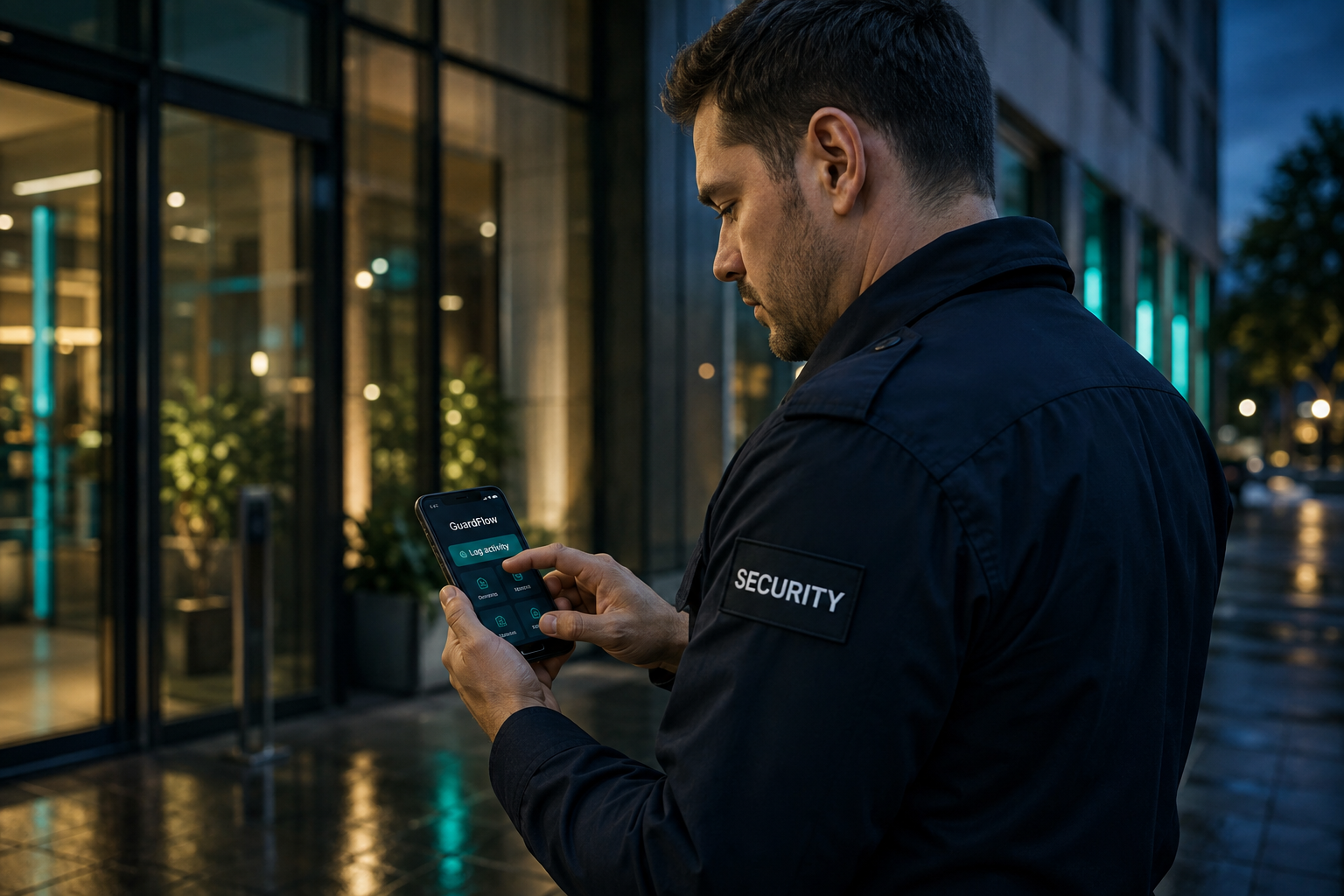
IN THE FIELD
An app for officers in the field.
See the assignment. Record the activity. Capture the details while they’re fresh, with the day’s work close at hand.
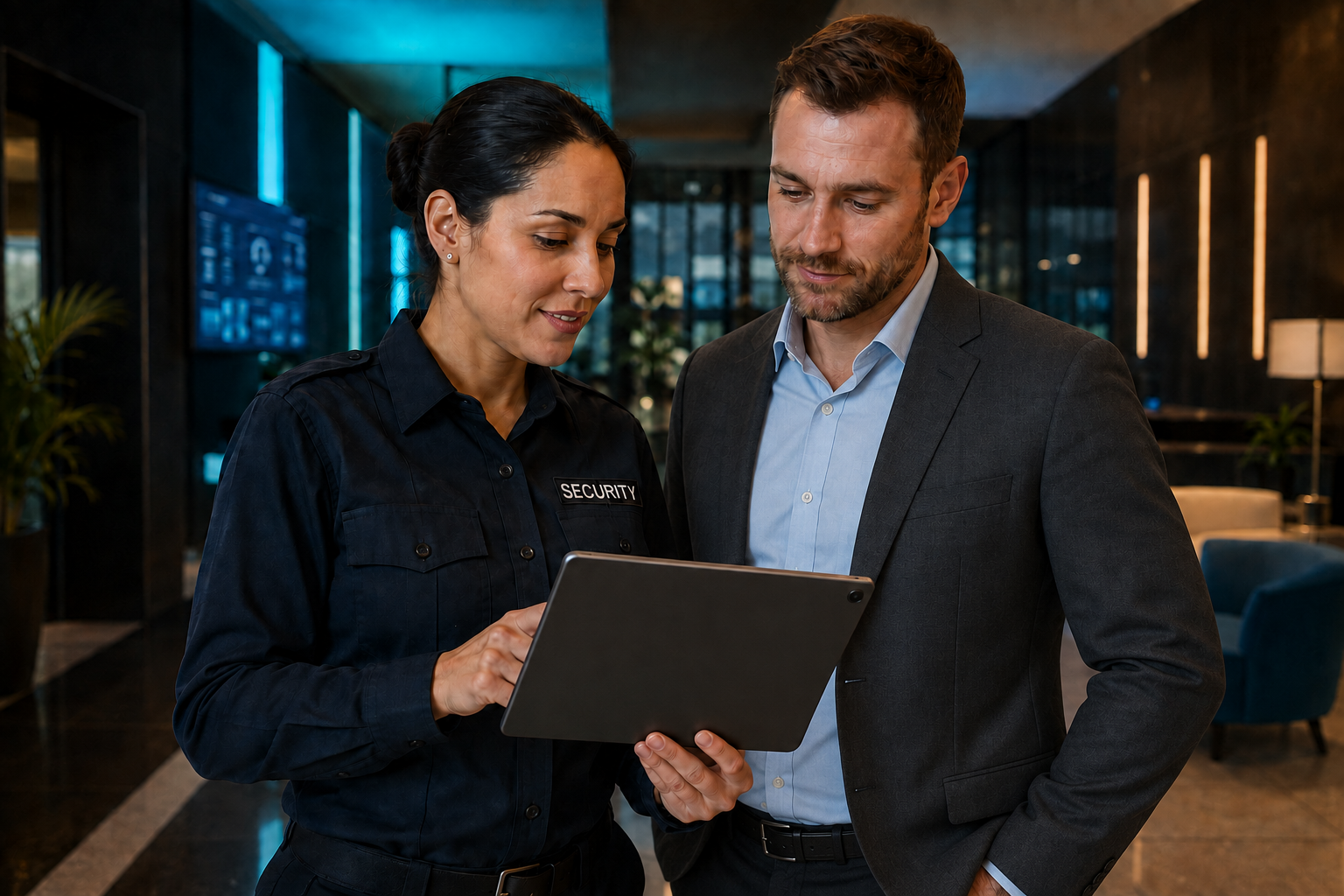
CONNECTED WITH CLIENTS
A dedicated client side of the app.
Clients get direct access to the security information for their sites, from scheduled coverage and daily activity to approved reports. They can see what happened, review the work completed and stay informed without chasing emails or asking for updates. It’s a clearer record of the service they’re receiving, with transparency built into the relationship.
A few things to know
Good questions.
Clear answers.
Get to know how GuardFlow fits your operation.
Ask us somethingSet a location and radius for each site. GuardFlow checks GPS recorded at clock-in, clock-out and breaks against that boundary, showing whether the event appears on site, outside the boundary or cannot be verified. Authorized supervisors can review location exceptions. GPS details stay internal rather than appearing in client-facing reports.
SARA is GuardFlow’s proprietary AI agent and runs on GuardFlow-controlled hardware. It does not connect to external AI providers. Access to operational information follows your GuardFlow permissions, and supported changes require your confirmation.
Contact the GuardFlow team using the contact form below. Tell us about your sites, officers and current reporting process so we can discuss how GuardFlow fits your operation.
GuardFlow collects shift hours, supports timesheet review and exports approved timekeeping data for your external payroll system. Payroll payments remain with your payroll provider.
Yes. Client accounts have a dedicated view of their assigned sites, including site coverage, shared activity and approved reports. Internal notes, private GPS details and unapproved reports stay outside the client view.
LET’S BUILD A CLEARER WORKDAY
Make your operation
easier to manage.
Tell us about your team
and the reporting or timekeeping you want to simplify.